
Create an agent manually
Manual setup is the current full creation path for a Text, Voice, or Bot agent.
On this page2
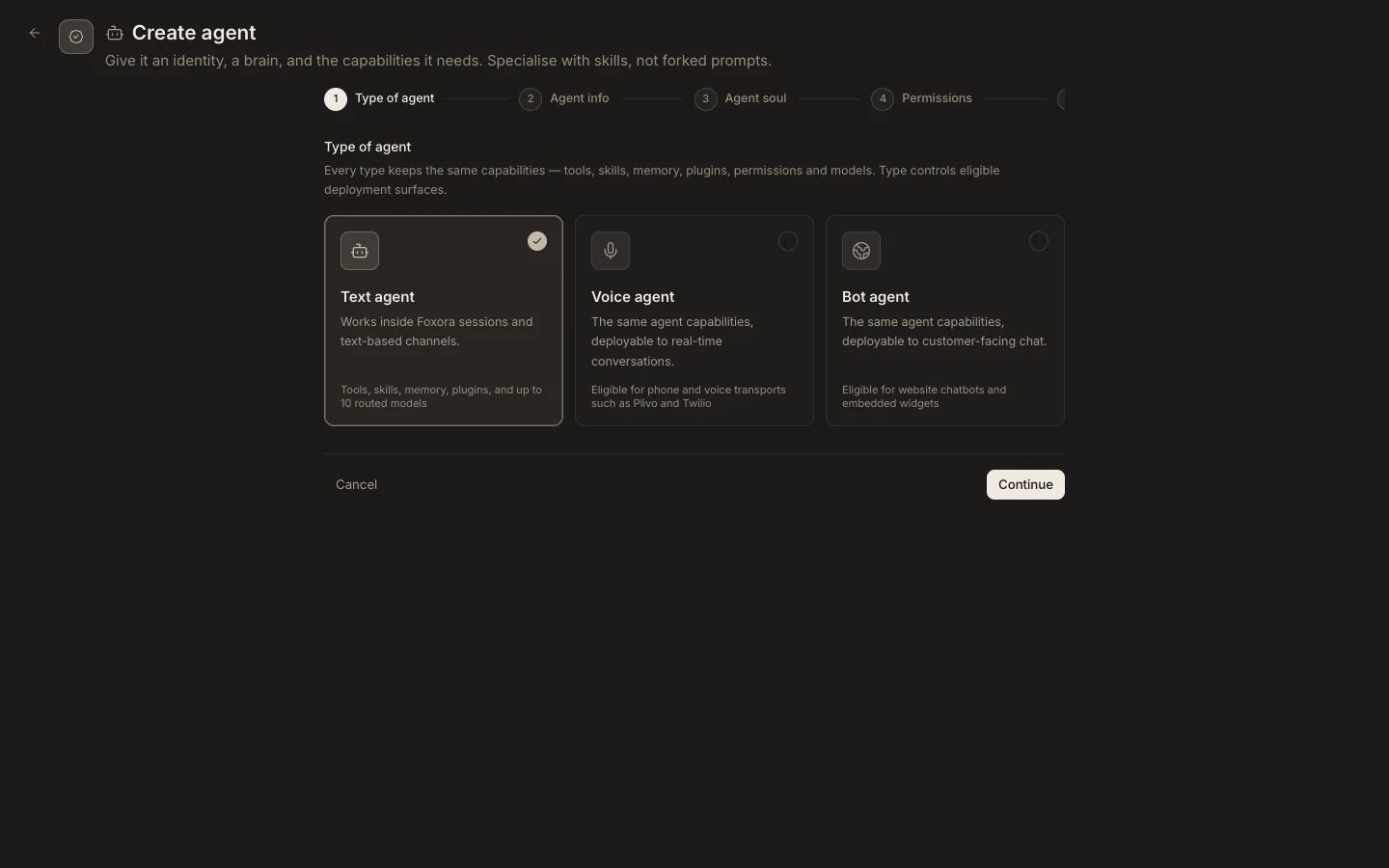
Create the specialist
- Open
Studio→Agentsand selectNew agent. - Choose
Text agent,Voice agent, orBot agent. Type controls eligible deployment surfaces, not its core capabilities. - Complete
Agent infoandAgent soulwith one focused responsibility. - In
Permissions, assign the managed role and only the tools, skills, plugins, memory, browser, network, or device access required. - Review
Modelsand selectCreate agent.
Expected result
The new custom agent appears in Fennec & agents with the chosen type. It is not proven until a small task confirms its role, approvals, and output. Plan limits can prevent creating another custom agent.