
Complete your first task
Describe one outcome, send it, and verify the result in the task transcript.
On this page2
Start with one outcome that is easy to verify.
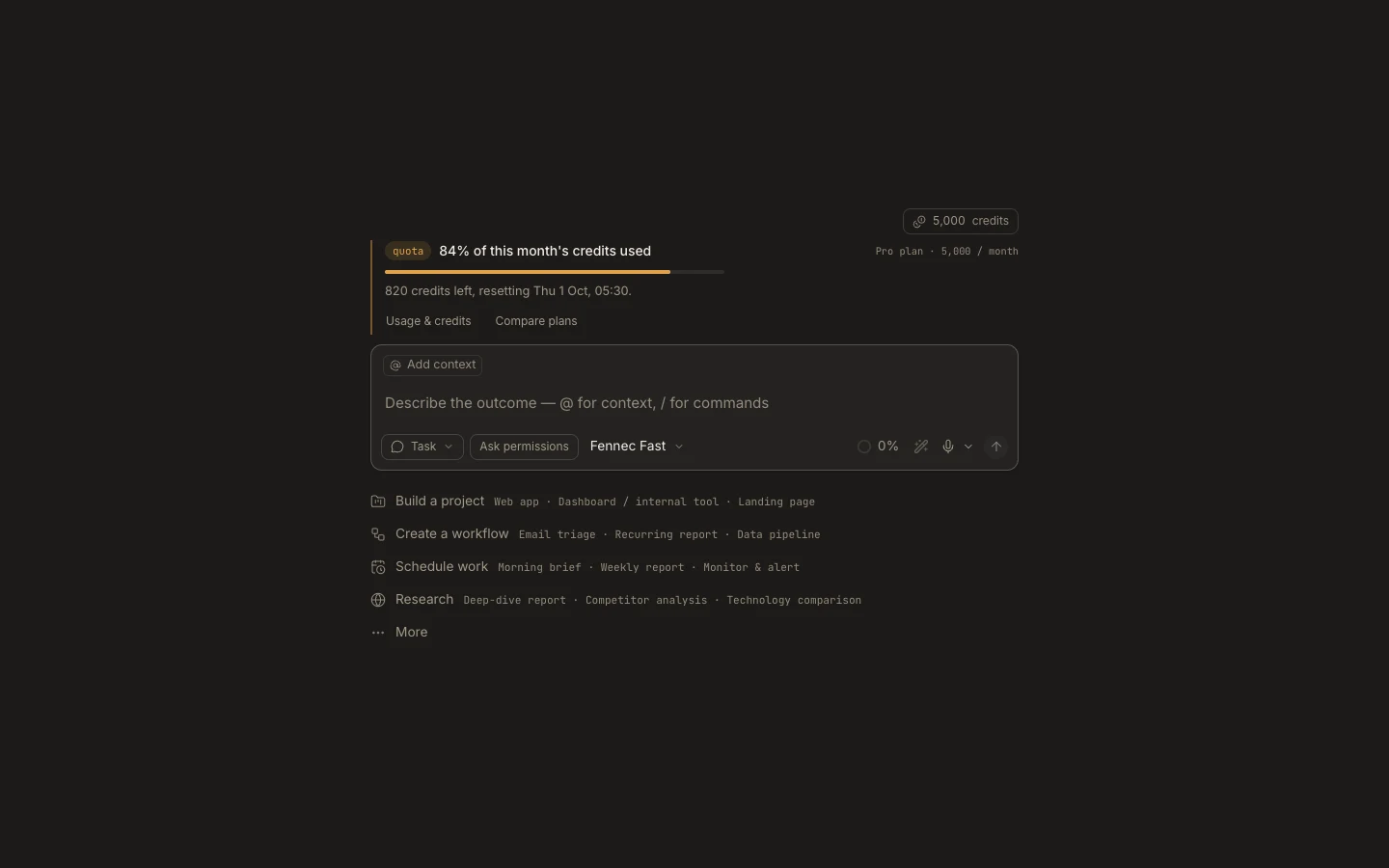
Steps
- Select
Newin the Foxora sidebar. - Keep the type as
Task. - Enter a specific request, such as: “Read this folder and create a short README. Do not change other files.”
- Keep
Ask permissionsfor your first run. - Select
Fennec Fast, then pressSend. - Follow the plan and approve only actions you understand.
A useful request names the result, the boundary, and the check. Add “show me what changed” when you want a concise handoff.
You are done when
The task has a final response and you can open or inspect the created result. If the task stops, use Recover a task.