
Automate with workflows
Build a repeatable workflow, test it once, then add a schedule only when needed.
On this page2
Use a workflow for repeatable steps. Add a schedule only after the workflow succeeds by hand.
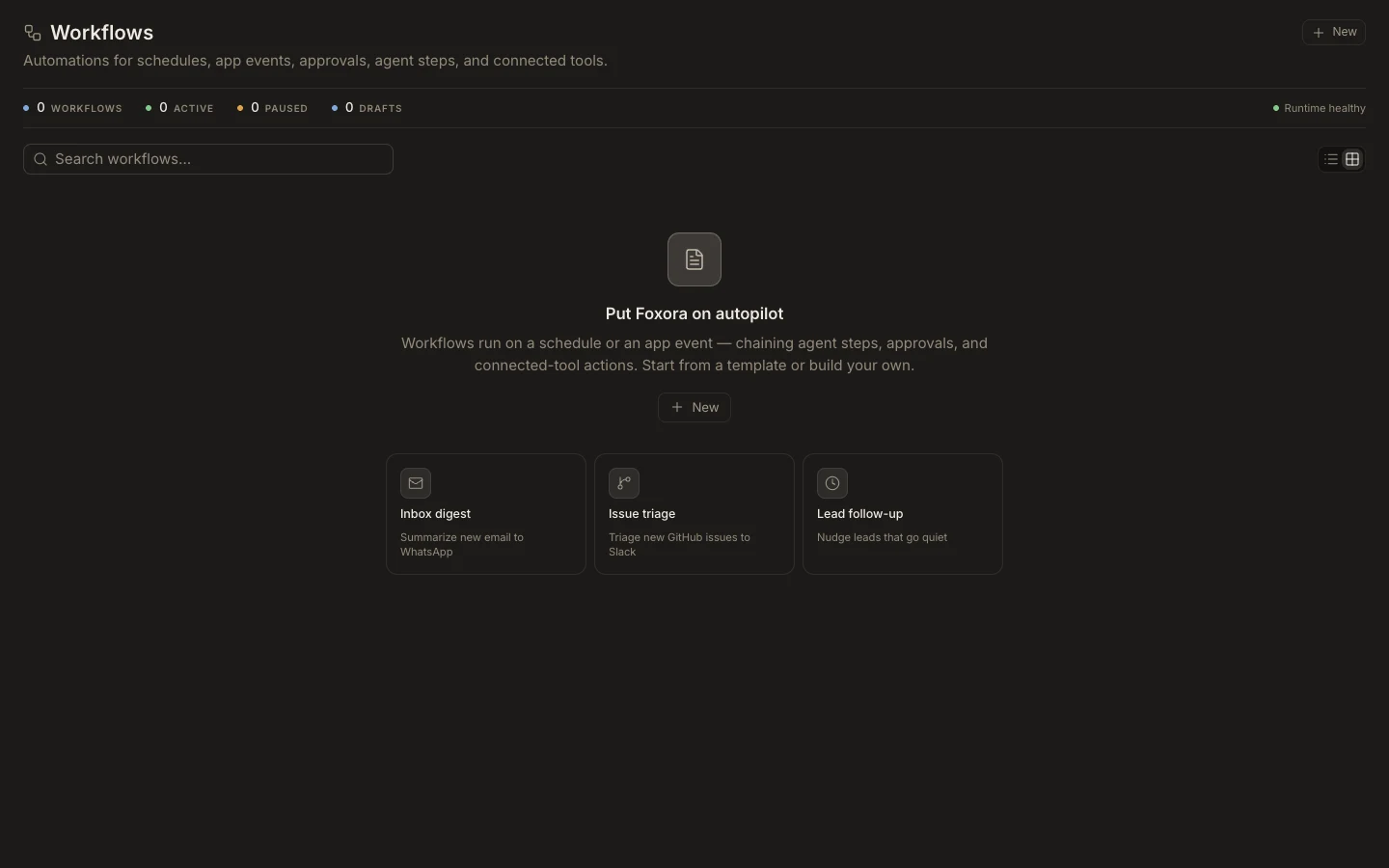
Steps
- Switch to
Studioand openWorkflows. - Select
New workflowand describe the trigger, steps, inputs, and expected output. - Assign the right agent or crew to each step.
- Save, run once with safe sample data, and inspect the run output.
- Add a schedule from the workflow when the same run should repeat.
- Choose the time zone and notification behavior, then enable it.
Keep external writes or irreversible actions behind an approval step until the automation is proven.
You are done when
One manual run completes with the expected output, and the next scheduled time is visible only if you intentionally enabled a schedule.