
Connecting a channel
Connectors use either provider sign-in or credentials defined by that provider. Foxora then asks how Fennec should answer and, when required, shows provider-side webhook details.
On this page2
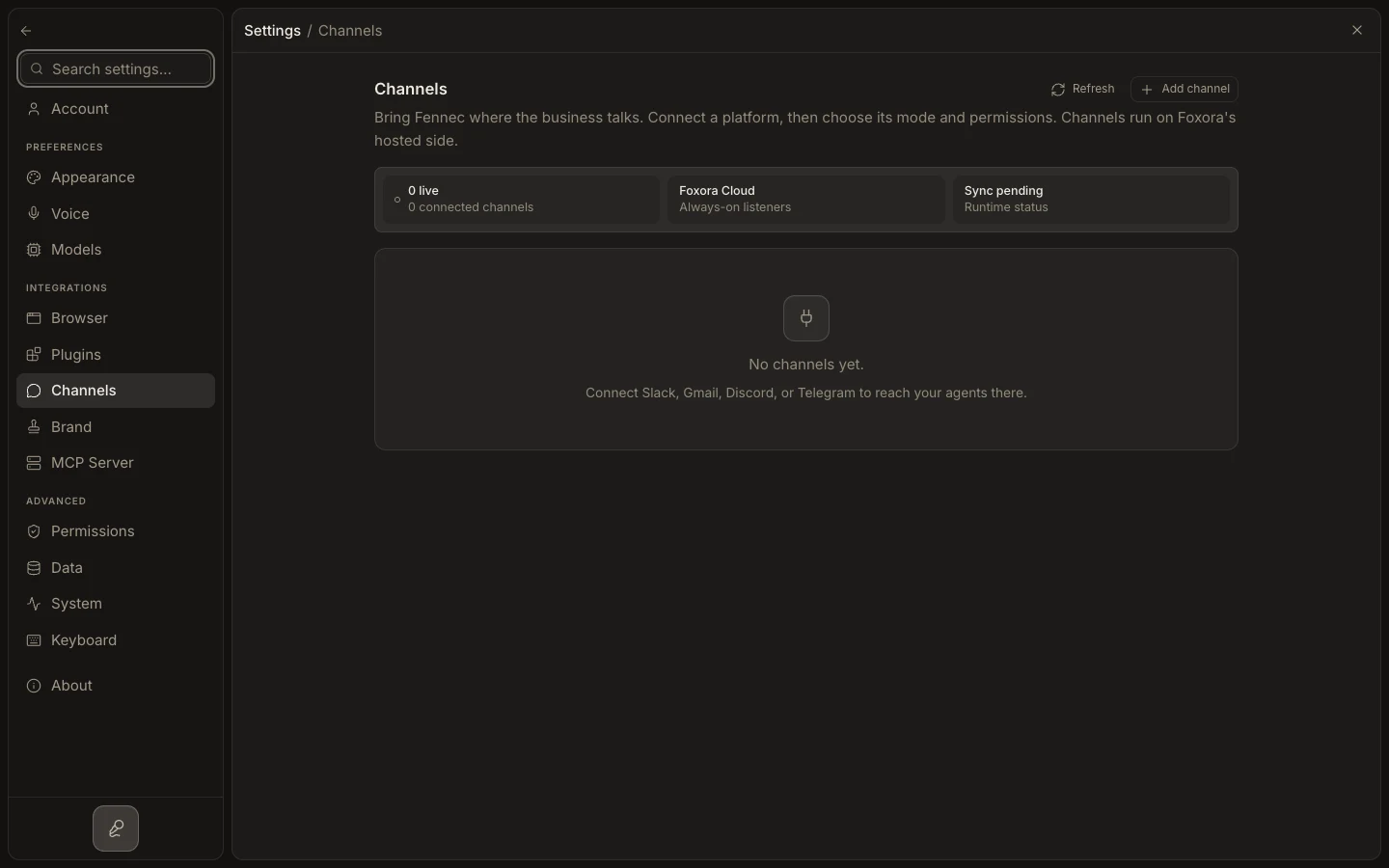
Connect and verify
- Open
Settings→Channels, then selectAdd channel. - Choose a provider and complete its sign-in or required credential fields.
- Select a compatible crew under
Fennec mode. - Open
Advanced channel controlsto set instructions, plugin access, read-only behavior, or data-use guidance. - Select
ConnectorConnect & verify, complete any displayed webhook or owner-pairing step, and send a test message.
Expected result
The connection appears in Channels with its account and mode. A successful real message confirms both the provider route and Foxora response path.