
Agents overview
Agents are reusable specialists. Fennec remains the coordinator and can delegate to an eligible agent when its role fits the task.
On this page2
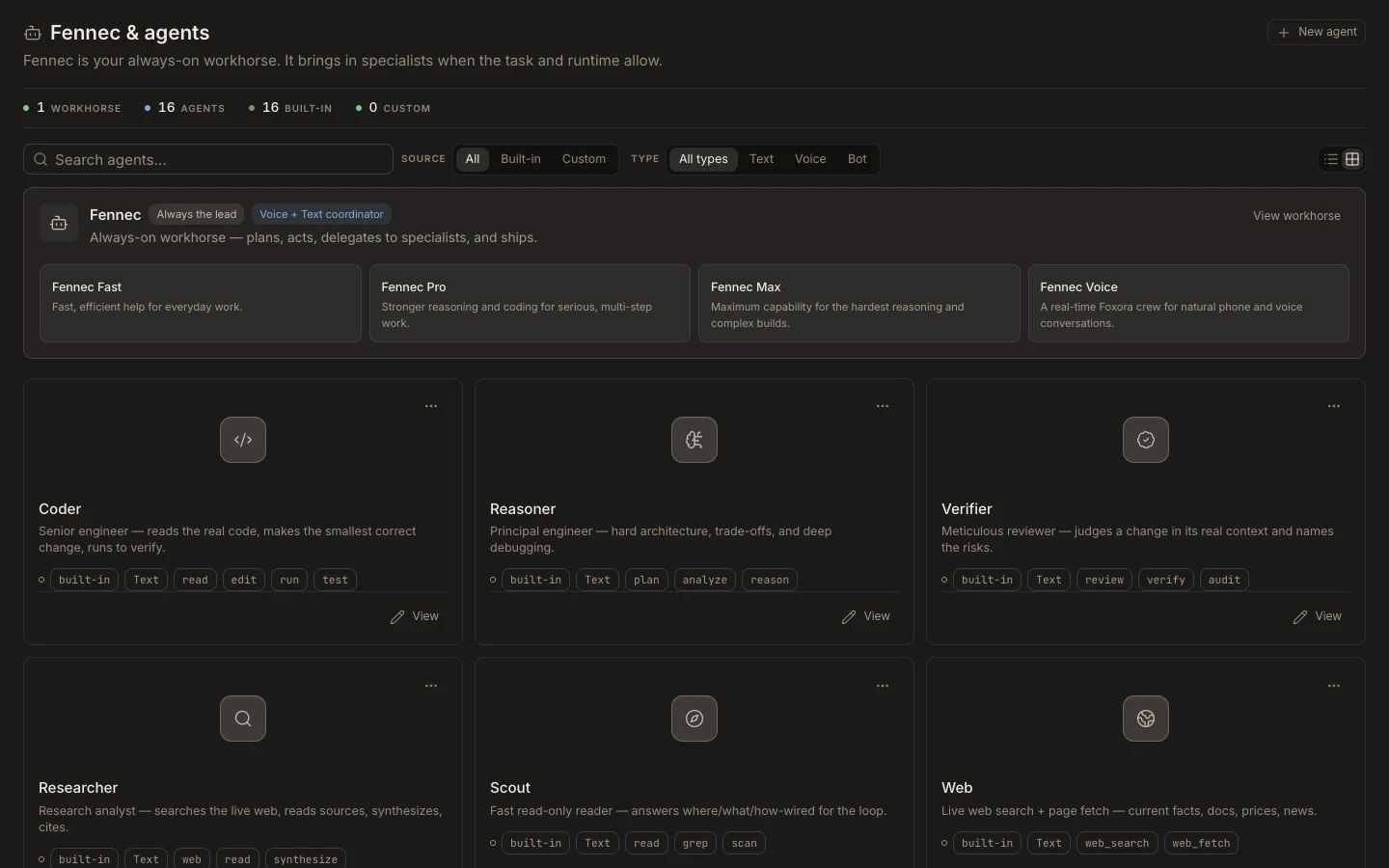
Find and use an agent
- Switch the sidebar to
Studio, then openAgents. - Search the
Fennec & agentslibrary or filter byBuilt-in,Custom,Text,Voice, orBot. - Open a card to inspect its published identity, routing, tools, skills, plugins, and channels.
- For a custom specialist, select
New agentand choose its deployment type. - Save it, select it from a new task, and run a small, verifiable request.
Expected result
The specialist appears in the agent library and completes the test using only its assigned capabilities. Built-in agents are managed by Foxora and remain read-only in Studio.