
Bots
Bot agents and chatbots
Studio no longer has a separate Bots library. Customer-facing chat is built from a Bot agent inside a Chatbot crew .
View MarkdownPublished Studio guide. Some screenshots show earlier versions.
Build the right pieces
- Open
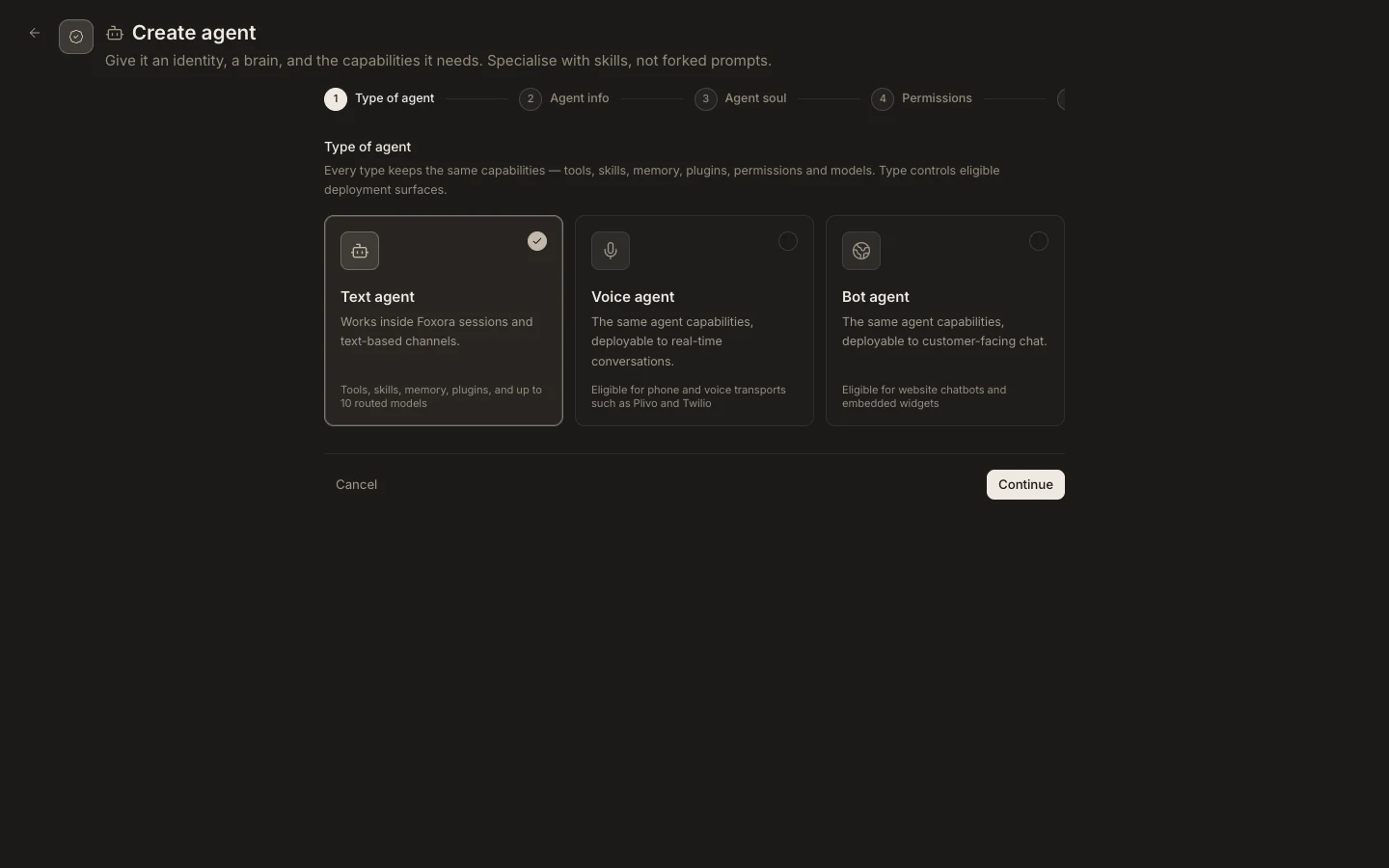
Studio→Agentsand create or filter for aBot agent. - Give the agent the tools, skills, memory, plugins, and permissions needed for customer chat.
- Open
Crewsand create aChatbot crew. - Add compatible Bot agents, then configure the crew’s Chatbot, Branding, Deployment, and Embed script sections.
- Publish only after testing the allowed website origin.
Expected result
The Chatbot crew produces a share link or website embed backed by Fennec and its Bot agents. Text and Voice agents cannot be added to this crew type, and a Bot agent is not deployed from a standalone Bots screen.